Blog >> TSA PreCheck Not Working? Here Is Why (And How To Fix It)
By Kevin Zanes / April 13, 2026
Fix This First (30-Second Check)
- No TSA PreCheck On Boarding Pass → add your KTN to this reservation
- KTN Already Added → check whether your membership has expired
- Membership Active → airline does not support TSA PreCheck, no fix available
- Everything Correct → TSA randomization, no fix available
This happens all the time, and most people fix it in under two minutes.
If your TSA PreCheck is not showing up, there are five reasons this happens. In order of how common they are:
- Your KTN is not entered in your airline profile or in this specific reservation.
- Your TSA PreCheck membership has expired.
- The airline you are flying does not participate in TSA PreCheck.
- Your name on the reservation does not match your government ID.
- TSA randomly removed it from your trip. This happens and there is nothing to fix.
Check these in order. Most people fix it at step one.
I have personally seen this fail on correctly set up accounts due to airline profile issues and third-party bookings. Both are fixable.
Quick Diagnosis Table
| What You Are Seeing | Most Likely Cause | Do This Now |
| No TSA PreCheck indicator on boarding pass | KTN not entered when booking, or entered incorrectly | Log into your airline account, open this reservation, add your KTN in the passenger details field, refresh your boarding pass. |
| KTN in your profile but TSA PreCheck not on this specific booking | KTN did not attach to this reservation (happens after modifications or seat changes) | Open this reservation specifically, find the passenger details section, manually re-enter your KTN, save, and re-download your boarding pass. |
| TSA PreCheck indicator on boarding pass but directed to standard lane | Airport checkpoint does not have a TSA PreCheck lane open | Ask a TSA officer which lane is TSA PreCheck-designated. Not all checkpoints at every airport are TSA PreCheck-enabled at all hours. |
| TSA PreCheck missing on one airline but present on others | KTN not saved in that airline’s frequent flyer profile | Log into that airline’s account, go to profile settings, add your KTN to the Known Traveler Number field. Each airline stores this separately. |
| TSA PreCheck stopped working after it previously worked | Membership expired or name mismatch after a legal name change | Check expiration at universalenroll.com. If expired, renew. If your name changed, update your government ID and re-enroll if needed. |
| Booked through Expedia, Google Flights, or another third-party site | Third-party platform did not pass your KTN to the airline | Call the airline directly, give them your confirmation number and KTN, and ask them to add it to the reservation. |
| TSA PreCheck has never worked on any booking despite KTN being saved | Wrong or mistyped KTN on file (common with Global Entry holders who may have entered the Global Entry number instead) | Log into universalenroll.com, copy your KTN exactly, go to your airline profile, delete the saved KTN, re-enter it character by character with no spaces, save. |
| KTN entered correctly, membership active, but still no TSA PreCheck | TSA risk-based randomization | Nothing to fix. TSA can remove TSA PreCheck from any boarding pass on any trip. This is by design and expected. |
| International flight, no TSA PreCheck indicator | TSA PreCheck is not available on all international routes or carriers | TSA PreCheck is primarily a domestic program. Not all international airlines participate. Check the official list at tsa.gov. |
Last checked: April 2026
The Most Common Fix: Your KTN Is Not In The Right Place
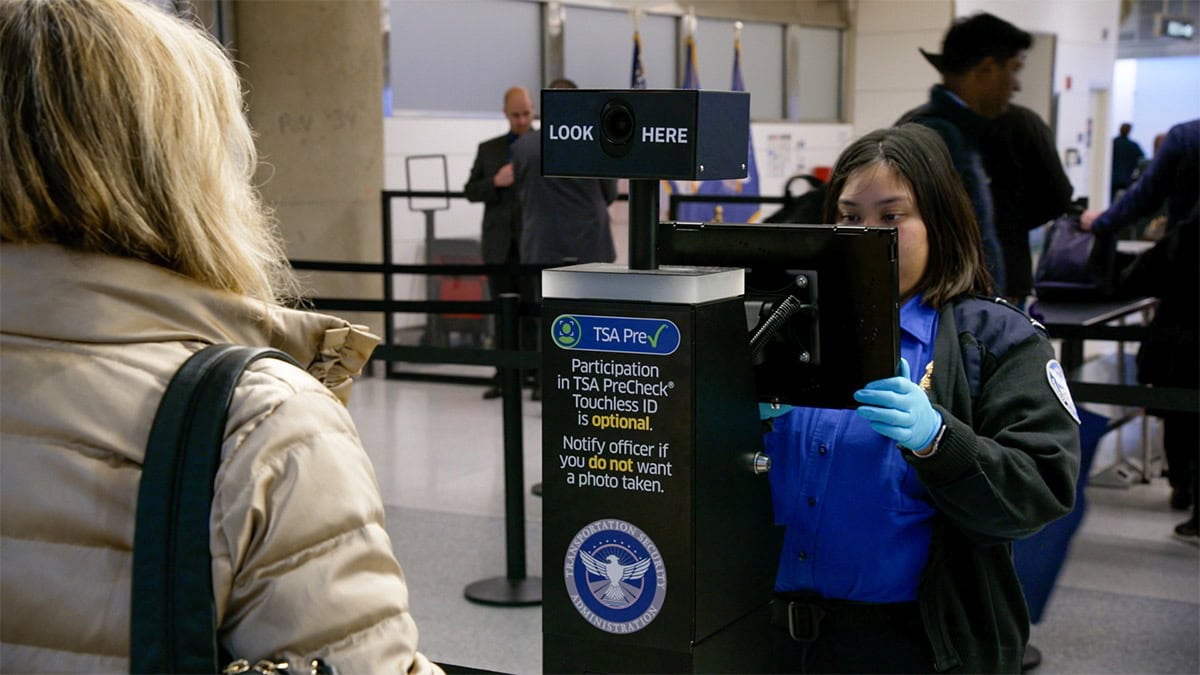
This is the fix for most TSA PreCheck problems.
Your Known Traveler Number (KTN) needs to be in two places: your airline frequent flyer profile, and the specific reservation you are flying. Missing either one means no TSA PreCheck indicator on your boarding pass.
TSA PreCheck Usually Does Not Work For One Of Four Reasons: your KTN is missing from the reservation, your membership has expired, your airline does not participate in TSA PreCheck, or TSA removed it from your trip randomly. Most issues are fixed by adding your KTN directly to the reservation, not just to your airline profile.
How To Add Your KTN To An Airline Profile
- Log in to your airline’s website or app.
- Go to your account or profile settings.
- Find the “Known Traveler Number” or “Secure Traveler” field. It is sometimes under “Travel Documents” or “TSA PreCheck.”
- Enter your 9-digit KTN exactly as it appears on your enrollment confirmation.
- Save the profile.
Future bookings on this airline will now pull your KTN automatically, but it will not retroactively attach to existing reservations.
How To Add Your KTN To An Existing Reservation
- Pull up your reservation in the airline’s app or website.
- Find the passenger details or traveler information section.
- Look for the Known Traveler Number field.
- Enter your KTN and save.
- Re-download your boarding pass to confirm the TSA PreCheck indicator appears.
You cannot add your KTN directly to a boarding pass. You add it to the reservation, and it then appears on your boarding pass. If you add it less than 24 hours before departure, re-check your boarding pass after saving.
Travel Nerd Tip: If you are already at the airport and TSA PreCheck is missing from your boarding pass, ask the airline check-in agent before you head to security. They can often add your KTN directly to the reservation on the spot and reissue your boarding pass with the TSA PreCheck indicator, saving you the standard lane entirely.
Third-Party Booking Warning
If you booked through Expedia, Google Flights, Kayak, or any other third-party platform, your KTN was almost certainly not passed to the airline even if it is saved in your airline profile.
Do this now: call or chat with the airline directly. Provide your confirmation number and your KTN. Ask them to add it to the reservation before check-in opens.
This is not a bug. Third-party platforms do not have a reliable mechanism for passing frequent flyer and TSA data to airlines.
Full KTN Checklist (If TSA PreCheck Is Still Not Showing)
Work through this in order. Every item has a specific place to check, not just a general direction.
| Checklist Item | Where To Check or Fix It |
| KTN is saved in your airline frequent flyer profile | Log into each airline’s website, go to profile settings, find the Known Traveler Number field |
| KTN is saved in the specific reservation you are flying | Pull up this reservation and check passenger details. KTN in your profile does not always carry to existing bookings. |
| Name on reservation exactly matches your government ID | Middle name, suffix, or preferred name discrepancies cause mismatches. The name must match exactly. |
| TSA PreCheck membership is not expired | Check at universalenroll.com or call 855-347-8371. Membership lasts 5 years from enrollment. |
| Airline is a TSA PreCheck-participating carrier | Check the official participating airline list at tsa.gov. Not all airlines participate. |
| Airport has TSA PreCheck lanes at your terminal | Check tsa.gov for TSA PreCheck-enabled airports. Not every checkpoint is TSA PreCheck-designated. |
| Booking was not made through a third-party that dropped the KTN | If booked through Expedia, Kayak, or Google Flights, call the airline directly to add your KTN to this reservation. |
When TSA PreCheck Is Not Available (And There Is Nothing To Fix)
TSA PreCheck has genuine limits that no amount of troubleshooting will change. If your situation matches any of the three cases below, there is no setup error to fix.
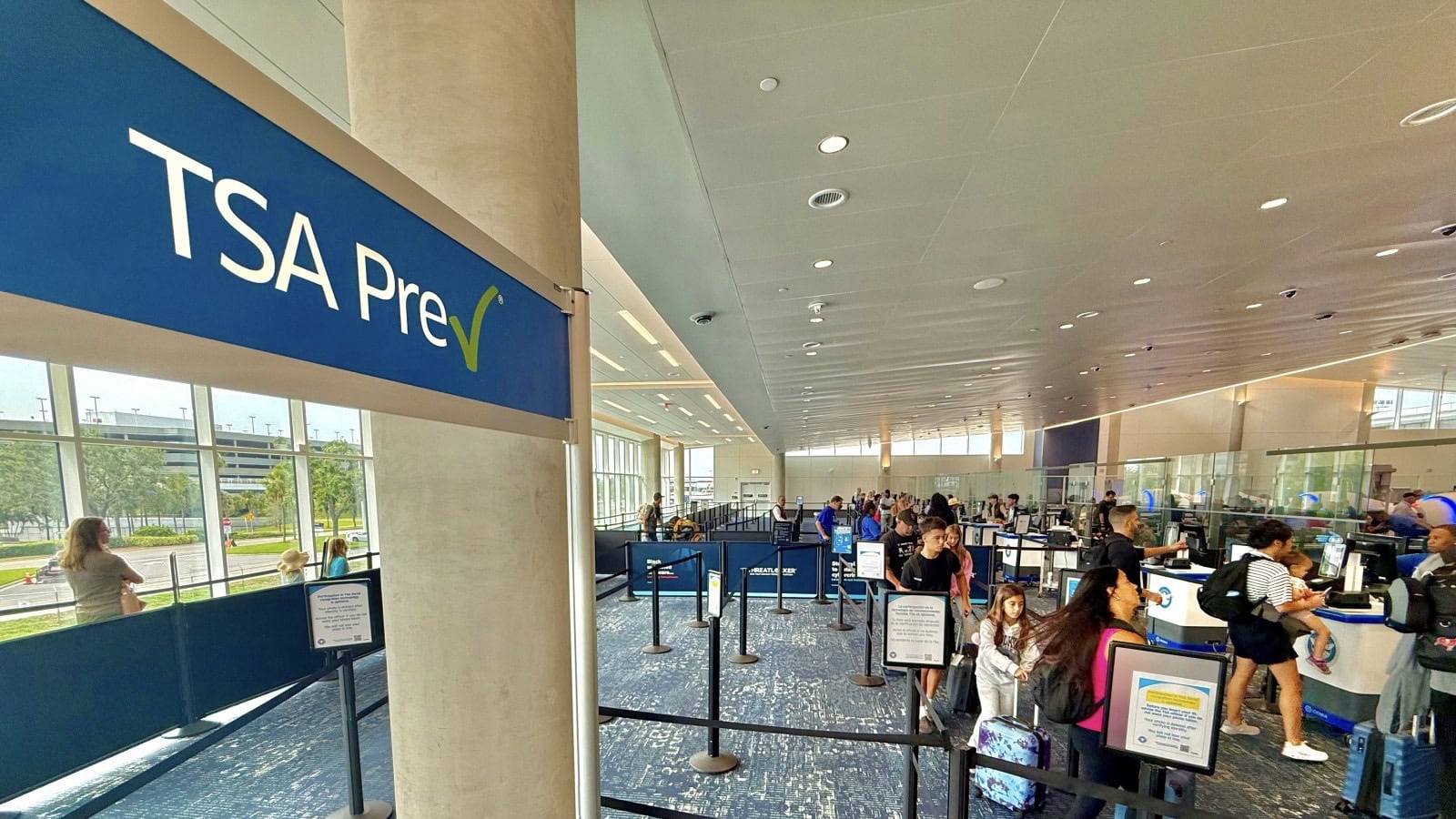
Not All Airlines Participate In TSA PreCheck
TSA PreCheck is available on most major U.S. carriers but not all of them. If your airline does not participate, TSA PreCheck will not appear on your boarding pass regardless of whether your KTN is correctly entered. There is no workaround.
Do this now: check the official participating airline list at tsa.gov before assuming there is a setup problem. If your airline is not on the list, TSA PreCheck is not available on that carrier.
Not All Airports or Checkpoints Have TSA PreCheck Lanes
TSA PreCheck is available at over 200 U.S. airports, but not every security checkpoint at every airport has a dedicated TSA PreCheck lane. At some airports, TSA PreCheck lanes are only open during certain hours.
If you have the TSA PreCheck indicator on your boarding pass but a TSA officer is directing you to the standard lane, ask which lane is TSA PreCheck-designated. If no TSA PreCheck lane is open at your checkpoint, you will use the standard lane even with a valid indicator.
TSA Randomization: When PreCheck Disappears For No Reason
TSA operates TSA PreCheck using a risk-based screening model. That means TSA can remove the TSA PreCheck indicator from any boarding pass on any trip, even for an enrolled member with a correctly entered KTN and an active membership.
This is called randomization and it is intentional. It is not a bug. It is not a KTN problem. It is not an expiration issue. There is nothing to fix.
TSA PreCheck members should expect the standard screening lane on a small percentage of their trips. If your KTN is saved correctly and your membership is active but TSA PreCheck is not showing on a specific trip, randomization is the most likely explanation. You will use the standard lane for that trip.
TSA PreCheck Expired or Membership Issues
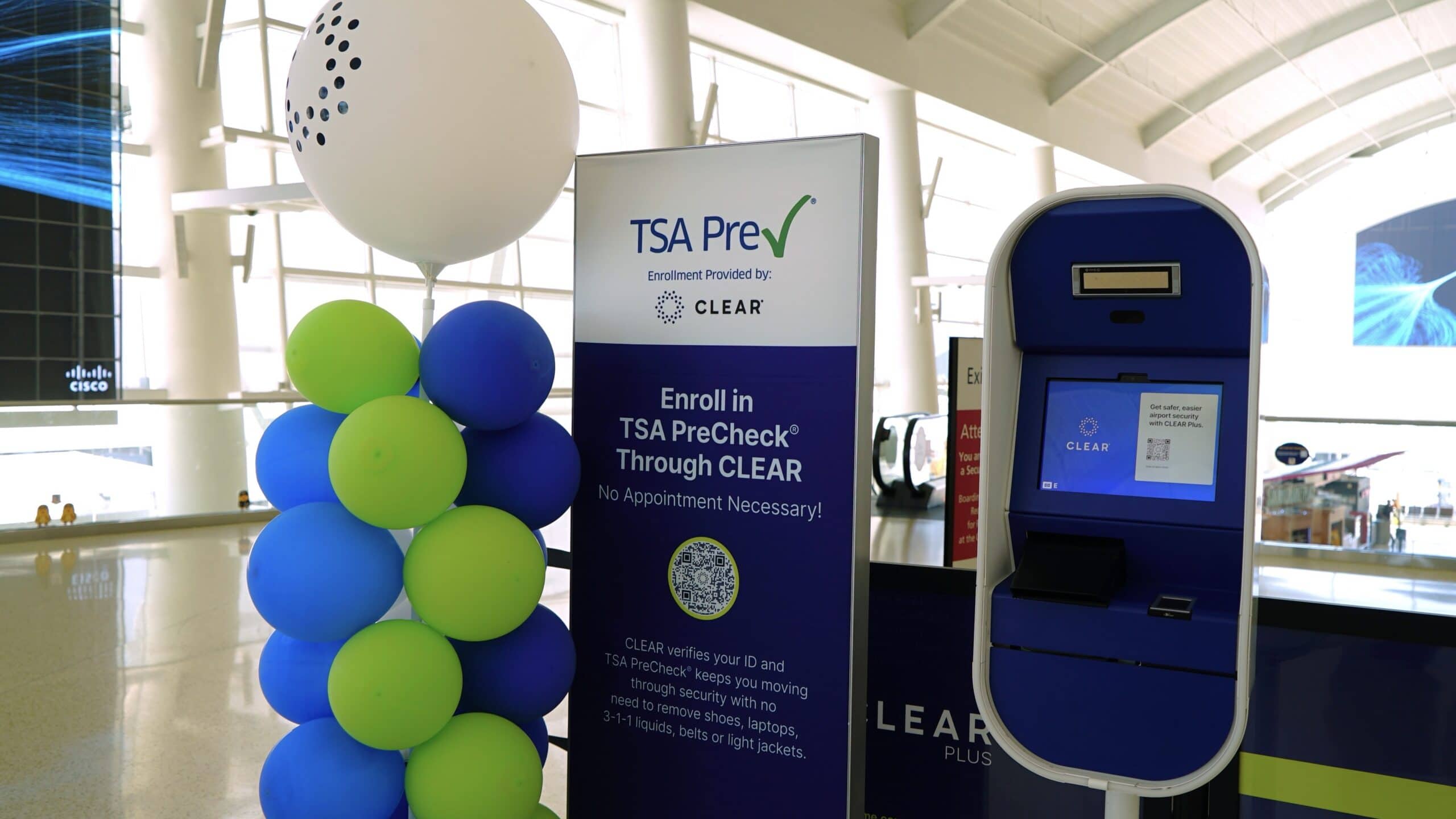
If TSA PreCheck was working and then stopped, the most common cause is expiration. The second most common is a name change after enrollment.
How To Check If Your TSA PreCheck Has Expired
- Go to universalenroll.com or call 855-347-8371.
- Log in and check your enrollment status and expiration date.
- If expired, renew online. Renewal costs $70 and does not require a new interview.
- After renewal, your KTN stays the same. No updates to airline profiles are needed.
Name Changes and ID Mismatches
If you have changed your legal name since enrollment (marriage, divorce, court order), your TSA PreCheck enrollment is still tied to your original name. A mismatch between your current government ID and your enrollment record can prevent TSA PreCheck from working.
Do this now: contact the enrollment provider at universalenroll.com or 855-347-8371 to update your record. Depending on the extent of the name change, you may need to complete a new enrollment.
Renewing vs Re-Enrolling
If your membership has expired, renew rather than re-enroll. Renewal ($70) keeps your same KTN, does not require a new interview, and takes effect quickly online. Re-enrollment ($78) starts from scratch, requires a new in-person interview, and generates a new KTN, which means updating every airline profile you use.
Many premium travel credit cards cover the TSA PreCheck renewal fee as a statement credit. Check which cards cover the renewal fee before paying out of pocket → Best Credit Cards For TSA PreCheck, Global Entry, And CLEAR Credits
If Nothing Works: Contact And Escalation
If you have worked through every item above and TSA PreCheck is still not showing, here is where to go:
- TSA Contact Center: 866-289-9673, available 8am to 11pm ET, seven days a week
- Universal Enroll: universalenroll.com or 855-347-8371, for enrollment records and KTN retrieval
- Your Airline’s Frequent Flyer Customer Service Line: for KTN issues tied to a specific reservation
- Trusted Traveler Programs Status Check (DHS): ttp.dhs.gov
If you are at the airport right now, skip the phone calls. Speak with a TSA officer directly. They can verify your enrollment status and direct you to the correct lane faster than any hold queue.
Frequently Asked Questions
Why Is My TSA PreCheck Not Showing On My Boarding Pass?
TSA PreCheck usually does not show for one of four reasons: your KTN is missing from this specific reservation, your membership has expired, your airline does not participate in TSA PreCheck, or TSA removed it from your trip through its randomization process. Most cases are fixed by opening your reservation and adding your KTN directly to it, not just to your airline profile.
How Long Does It Take For TSA PreCheck To Activate After Enrollment?
TSA PreCheck typically activates within 3 to 5 days of enrollment approval, though processing can take longer during high-volume periods. After approval, you receive your Known Traveler Number by email or through the enrollment portal. You must add that KTN to your airline frequent flyer profile before it will appear on any boarding pass. The KTN alone does not activate TSA PreCheck on your pass.
Can I Use TSA PreCheck On International Flights?
TSA PreCheck is primarily a domestic program. Some international airlines that operate U.S. flights do participate, but many do not. Check the official participating airline list at tsa.gov before your trip. If your carrier is not on the list, TSA PreCheck will not appear regardless of your enrollment status.
Does TSA PreCheck Work On Every Flight?
No. TSA can remove TSA PreCheck from any boarding pass on any trip through its risk-based randomization process. This affects even enrolled members with correctly entered KTNs and active memberships. Expect the standard lane on a small percentage of trips. There is nothing to fix when this happens.
What Do I Do If I Have TSA PreCheck But The Lane Is Closed?
Ask a TSA officer which checkpoint or lane is TSA PreCheck-designated. At some airports, only certain checkpoints have TSA PreCheck lanes, and some are only open during specific hours. If no TSA PreCheck lane is available at your checkpoint, you will use the standard lane for that trip even with a valid TSA PreCheck indicator.
How Do I Find My KTN If I Lost It?
Your Known Traveler Number can be found in two places: your original TSA PreCheck enrollment confirmation email, or your online enrollment record at universalenroll.com. Log in with the email and password you used when enrolling. Your KTN will be listed in your profile. If you cannot access your account, call Universal Enroll at 855-347-8371.
Can I Get TSA PreCheck For A Same-Day Flight?
If you are already enrolled, yes, as long as your KTN is entered in your reservation before check-in. If you are trying to enroll same-day, no. TSA PreCheck enrollment requires an in-person appointment and typically takes 3 to 5 days to process after approval.
Final Thoughts
If your TSA PreCheck is now working, save your KTN in every airline profile you use. That prevents this from happening again. If TSA PreCheck is working and you want to build the full setup around it, CLEAR and Global Entry fill the two steps TSA PreCheck does not cover.
If this happens more than once, your setup is broken, not your luck. Build the full setup for your travel style → Best Airport Security Setup: The Fastest Way Through Any Airport
Fix the KTN. Check the expiration. Expect the occasional random removal. That covers 99% of TSA PreCheck problems.